
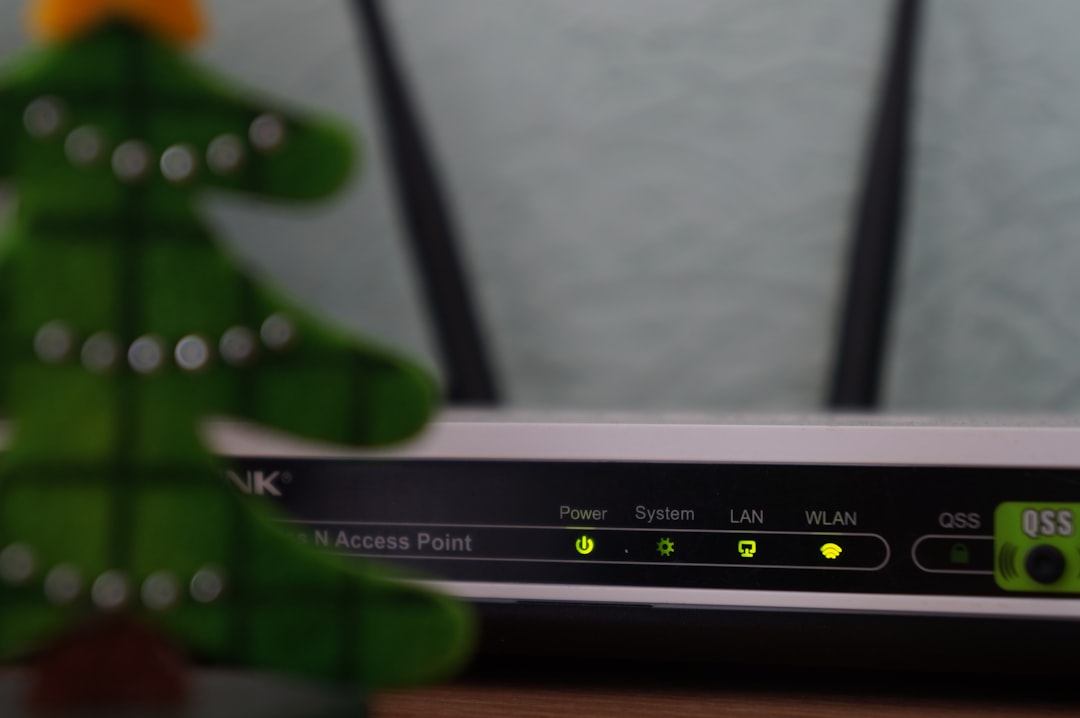
Boost Your Home Wi-Fi Performance — For Free
Improve home Wi-Fi performance by repositioning your router and furniture. Free, practical tips on placement, channels, firmware, and mesh.
Lead: If your home internet feels slow in one room, you can often fix it for free. Move the router and a few items to boost home Wi-Fi performance quickly.
Why router placement matters
Most people place a router where the socket sits. However, that spot often sits in a corner or a cupboard. Consequently, the radio waves do not spread evenly. Therefore move the router to a central spot in your flat. Moreover, keep it about 1.5 metres above the floor. In addition, place it on open ground. Avoid hiding it behind a TV or inside a cabinet. Many buildings in Poland use thick concrete walls. For example, older Warsaw blocks often feature reinforced concrete. These structures block signals strongly. Moreover, metal radiators, mirrors and glass scatter or reflect waves. Therefore check if these items sit between your router and the weak room.
How to improve home Wi-Fi performance
If your router has external antennas, tilt them. For instance, point one antenna vertically. Then angle the other slightly away. Consequently you improve coverage across floors. However, also avoid placing routers next to microwaves. In addition, cordless phone bases and baby monitors share the 2.4 GHz band. Therefore they can cause interference. Most routers broadcast on both 2.4 GHz and 5 GHz bands. 2.4 GHz travels farther but runs slower. Conversely, 5 GHz runs faster but reaches less far. So choose 5 GHz for a TV or console close to the router. Meanwhile keep distant devices on 2.4 GHz.
Channel congestion and firmware fixes
In apartment blocks many neighbours use the same channel. Consequently networks interfere with each other. Therefore open your router panel and change the channel. Moreover use a free Wi‑Fi analyzer app to find the quiet channel. In addition check the router firmware. Manufacturers push updates that improve speed and stability. Therefore log into the router interface and install updates before buying new hardware. Many users skip this step, yet it often solves the issue.
When to consider mesh systems
If dead zones remain, think about mesh. Mesh systems create one seamless network across multiple nodes. They cost from about 150 to 500 złoty for common apartment configurations. In addition, you usually need one node per floor or per 100 square metres. Consequently mesh often costs less than a single high-end router. Moreover link mesh nodes by cable if you can. Therefore you relieve wireless backhaul and gain more stable speeds.
Start with free moves first. Move the router to a central spot. Move heavy metal objects out of the line of sight. Then change the channel and update firmware. Consequently you will often restore full speed without extra costs. However, when basic steps fail, invest in an affordable mesh kit.
Source: Read original article
📚 Looking for more help settling in Poland? Browse our complete Expat Guides.